
Introduction
You have tried everything. WP Rocket. W3 Total Cache. LiteSpeed Cache. You installed them, configured them, watched a dozen tutorials and your website is still slow. Here is the truth that most developers will not tell you: cache plugins do not fix slow websites. They hide the real problem temporarily. And in 2026, with Google's algorithm more performance-focused than ever, a hidden problem is still a ranking problem. In this blog I am going to show you exactly why your WordPress website is slow, what the data says about how speed affects your business, and how I fixed a client's website from 8 seconds down to under 2 seconds without installing a single cache plugin.
The Numbers You Cannot Ignore in 2026
Before we get into the technical fixes, let us look at what slow speed actually costs you.
According to the latest website speed statistics for 2026:
- 53% of mobile users abandon a website that takes more than 3 seconds to load
- A 1-second delay in page load time reduces conversions by 7%, page views by 11%, and customer satisfaction by 16%
- The average mobile WordPress website loads in 13.25 seconds — more than four times slower than what users expect
- Websites that load in 1 second convert at 40%, but that drops to 29% by the 3-second mark
- Only 33% of websites currently pass all three Core Web Vitals tests
- Slow websites cost retail businesses approximately $2.6 billion in lost sales every year
These are not small numbers. If your website takes 5 seconds to load, you are already losing more than half your visitors before they even see your content. And they are going directly to your competitor.
Why Cache Plugins Are Not the Answer
Cache plugins work by storing a static version of your page so the server does not have to rebuild it every time someone visits. This can help. But it only helps with one layer of the problem.
Think of it like this. If your car engine has a fundamental mechanical problem, cleaning the exterior will make it look better but it will still break down on the highway.
The real performance problems in WordPress happen at a deeper level:
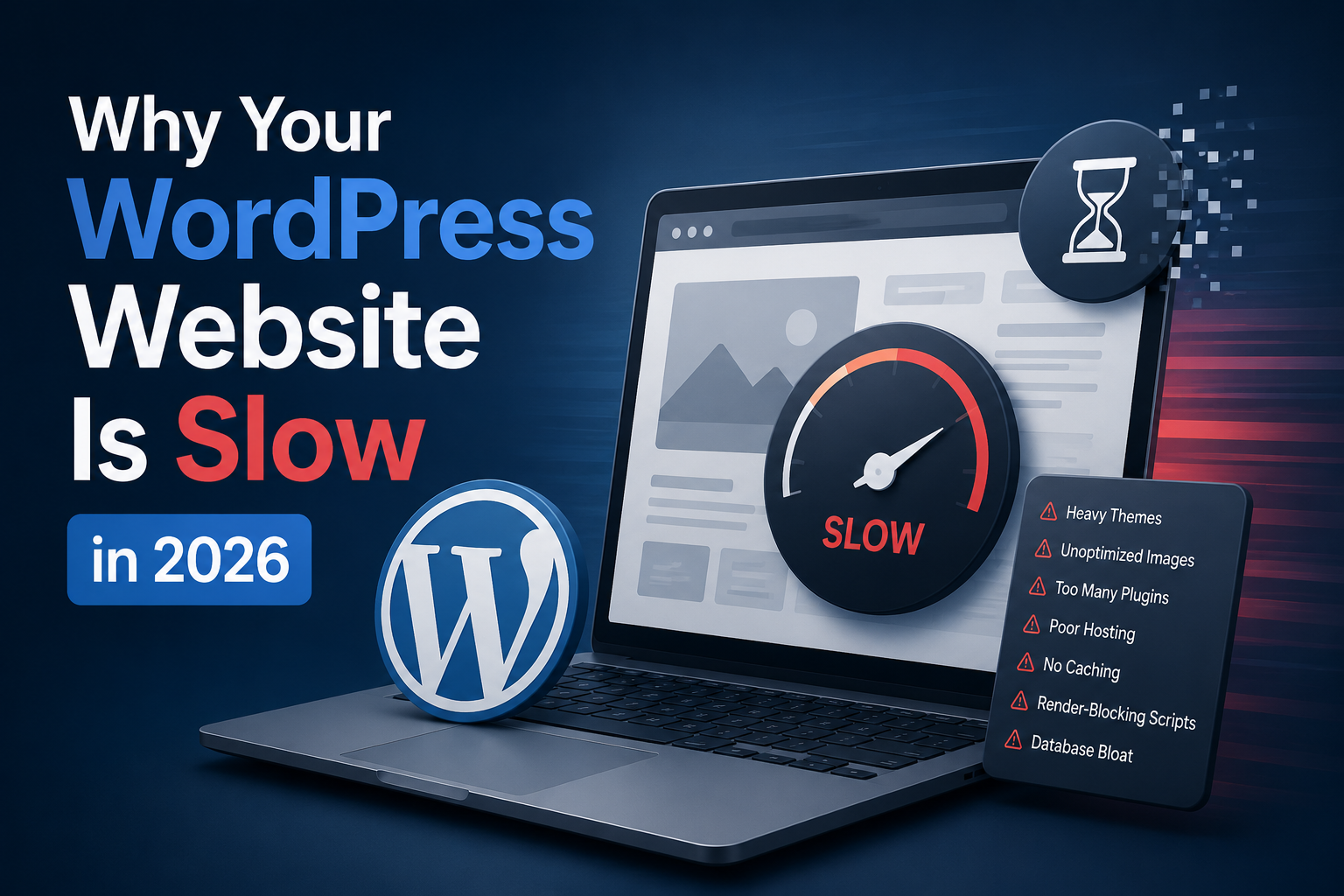
- Unoptimized database queries running on every page load
- Render-blocking scripts loaded in the wrong order
- Uncompressed images in outdated formats
- Third-party scripts firing before the page is ready
- Poorly coded plugins adding unnecessary HTTP requests
- PHP version that is outdated and slow
A cache plugin sits on top of all of these problems. It cannot fix them. It can only delay the moment your visitor notices them.
The Real Reasons Your WordPress Site Is Slow
1. Unoptimized Database Queries
Every time someone visits your WordPress website, it sends requests to your database to pull content, settings, widgets, and more. If those queries are not written efficiently — or if your database is full of outdated records, spam entries, and post revisions — every single page load becomes slower.
This is one of the most common causes of slow WordPress sites that no cache plugin can fix.
The fix: Audit your database queries using a plugin like Query Monitor. Remove post revisions, spam comments, and transient options. If you are running WooCommerce, this is especially critical because every product page triggers multiple database calls.
2. Render-Blocking Scripts and Stylesheets
When a browser loads your page, it reads the HTML from top to bottom. If it encounters a JavaScript file or CSS file before the main content, it stops and waits for that file to fully download before continuing. This is called render-blocking and it is one of the leading causes of slow Largest Contentful Paint one of Google’s Core Web Vitals.
The fix: Move non-critical JavaScript to the footer. Defer or async-load scripts that do not need to run immediately. Remove unused CSS. Tools like PageSpeed Insights will show you exactly which scripts are blocking your render.
3. Unoptimized Images
Images are the largest files on most websites. In 2026, the web standard for images is WebP format it is 25 to 35 percent smaller than JPEG at the same quality level. Yet most WordPress sites are still serving PNG and JPEG files that are often two to three times larger than they need to be.
Beyond the format, many sites also serve images that are much larger than the space they occupy on screen. Serving a 3000-pixel-wide image in a 400-pixel container is wasting bandwidth on every single visit.
The fix: Convert all images to WebP. Add proper width and height attributes to prevent layout shift. Use lazy loading for images below the fold so they only load when the user scrolls to them.
4. Too Many Plugins With Overlapping Functions
The average WordPress website has 20 to 30 active plugins. Each plugin adds its own CSS, JavaScript, and database calls to every page load — even pages where that plugin does nothing useful.
Many sites also have plugins that do the same thing. A form plugin and a popup plugin and a marketing plugin that all load their own version of jQuery. A contact plugin and a CRM integration that both fire separate tracking scripts. These conflicts and redundancies add seconds to your load time.
The fix: Audit every plugin. If it is not actively contributing to your business goals, deactivate and delete it. Merge functionality where possible. Use a plugin like Asset CleanUp to stop scripts from loading on pages where they are not needed.
5. Outdated PHP Version
PHP is the programming language that runs WordPress. Each new version of PHP is significantly faster than the last. PHP 8.3 the current recommended version in 2026 is up to three times faster than PHP 7.4, which many hosting providers still default to.
Running an old PHP version means every single WordPress function, every database call, and every page build is running on slower, less efficient code.
The fix: Check your PHP version in your hosting control panel. If you are below PHP 8.2, update immediately. Most hosts allow this with a single click.
6. No Image CDN or Wrong Hosting Setup
A Content Delivery Network stores copies of your website files on servers around the world. When someone visits your site, they receive files from the server closest to them reducing the distance data has to travel and cutting load times significantly.
If you are hosting a business website on shared hosting without a CDN, every visitor is pulling files from a single server in one location. For visitors who are geographically far from that server, the delay can add 1 to 3 seconds before a single byte of your page even arrives.
The fix: Enable Cloudflare as a CDN the free plan is enough for most businesses. Pair it with a good hosting environment using LiteSpeed or Nginx as the web server.
A Real Case Study: From 8 Seconds to Under 2 Seconds
A client came to me with a WordPress e-commerce website that was loading in 8 seconds. He had already tried three different cache plugins. He thought the problem was his hosting and was ready to move to a more expensive server.
I told him to wait.
I went into the code and found four main problems:
First, the database had over 40,000 post revisions and thousands of spam comment entries that had never been cleaned. Every query was slower because of the unnecessary data.
Second, there were 11 scripts loading in the header — all of them render-blocking. The page could not show a single pixel until all 11 had fully downloaded.
Third, the site had 847 images. Not one of them was in WebP format. The average image size was 1.2 megabytes.
Fourth, the site was running PHP 7.4 on a shared hosting plan.
Here is what I did:
- Cleaned the database and removed all revisions and spam
- Moved all non-critical scripts to the footer and deferred the rest
- Converted every image to WebP and added lazy loading
- Moved the site to a hosting environment running PHP 8.3 with LiteSpeed
- Removed 7 unused plugins and merged their functions into 2
No cache plugin was installed. Not a single one.
The result: load time dropped from 8 seconds to 1.7 seconds. Google PageSpeed score went from 34 to 91. The client reported a 28% drop in bounce rate within the first two weeks.
This is what performance optimization actually looks like.
Core Web Vitals: What Google Is Measuring in 2026
Google uses three metrics called Core Web Vitals to measure real-world user experience on your website. These directly affect your search rankings.
Largest Contentful Paint (LCP) measures how long it takes for the largest visible element — usually a hero image or heading — to appear on screen. Google wants this under 2.5 seconds.
Interaction to Next Paint (INP) replaced First Input Delay in 2024. It measures how quickly your page responds after a user clicks, taps, or types. Heavy JavaScript is the main cause of poor INP scores.
Cumulative Layout Shift (CLS) measures how much your page elements move around while loading. Images and ads without fixed dimensions are the most common culprits.
Only 33% of websites currently pass all three Core Web Vitals. If your site is not in that 33%, you are competing at a disadvantage in search rankings against sites that are.
The 2026 Performance Checklist
Here is what a well-optimized WordPress website looks like in 2026:
- PHP 8.2 or higher
- Images in WebP format with lazy loading enabled
- JavaScript deferred or loaded asynchronously
- Database cleaned of revisions, spam, and orphaned data
- Under 15 active plugins each one serving a specific purpose
- CDN enabled through Cloudflare or similar
- LCP under 2.5 seconds
- INP under 200 milliseconds
- CLS score under 0.1
- Mobile load time under 3 seconds
If your site does not meet these standards today, you are already falling behind the 33% of sites that do.
About the Author
Suhaib Nazir is a Full-Stack Developer specializing in Custom websites, CMS, SEO Optimization. He builds fast, scalable websites for startups and growing businesses. Based in Pakistan, he works with clients globally to solve real performance problems at the code level.
Want a free performance audit of your website? Connect with Suhaib on LinkedIn or visit his portfolio.